Grid Maker for Drawing
Set the cell size in inches or centimetres and the grid on your reference matches the one you rule on paper: 2 inch cells on US Letter, 5 cm cells on A4, or any sheet from DIN A5 up to A0. Drag the whole grid until the lines fall between the features, then export it as a PNG or a print-ready PDF.
The tool runs on our homepage: upload a reference and start placing your grid.
Built Around the Transfer, Not Just the Grid
Counting squares is the usual way in: 3×3, 5×5, done. That leaves you with the arithmetic: how big is one cell on a 40×30 cm canvas? Here it works the other way around. You enter the real cell size, 1 inch or 2 cm, or pick your canvas from the presets (DIN A5 to A0, US Letter, Legal, and common studio sizes), and the tool computes columns and rows. The grid you draw on paper uses the same numbers, so the transfer is 1:1, or scaled by exactly the factor you chose.
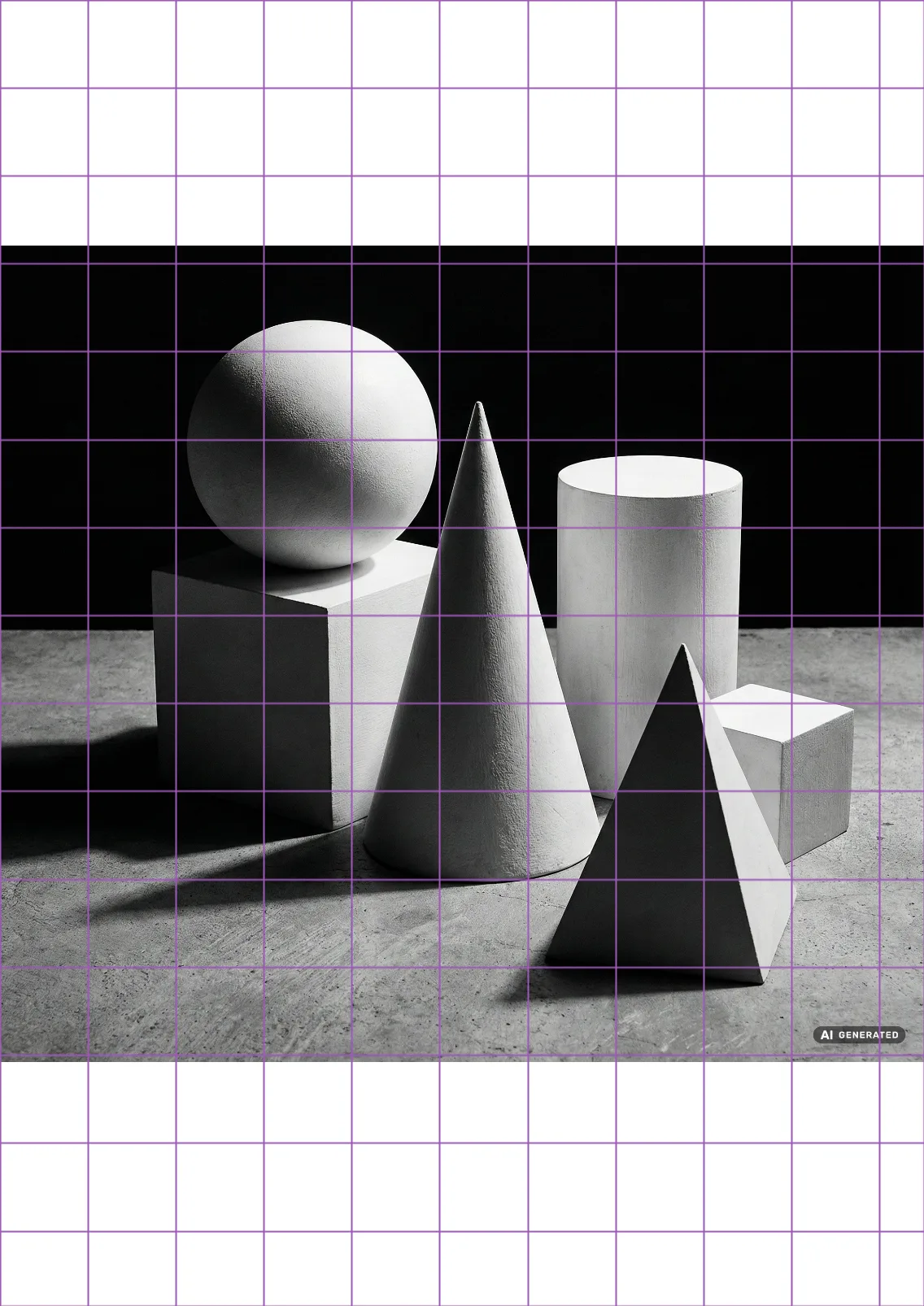
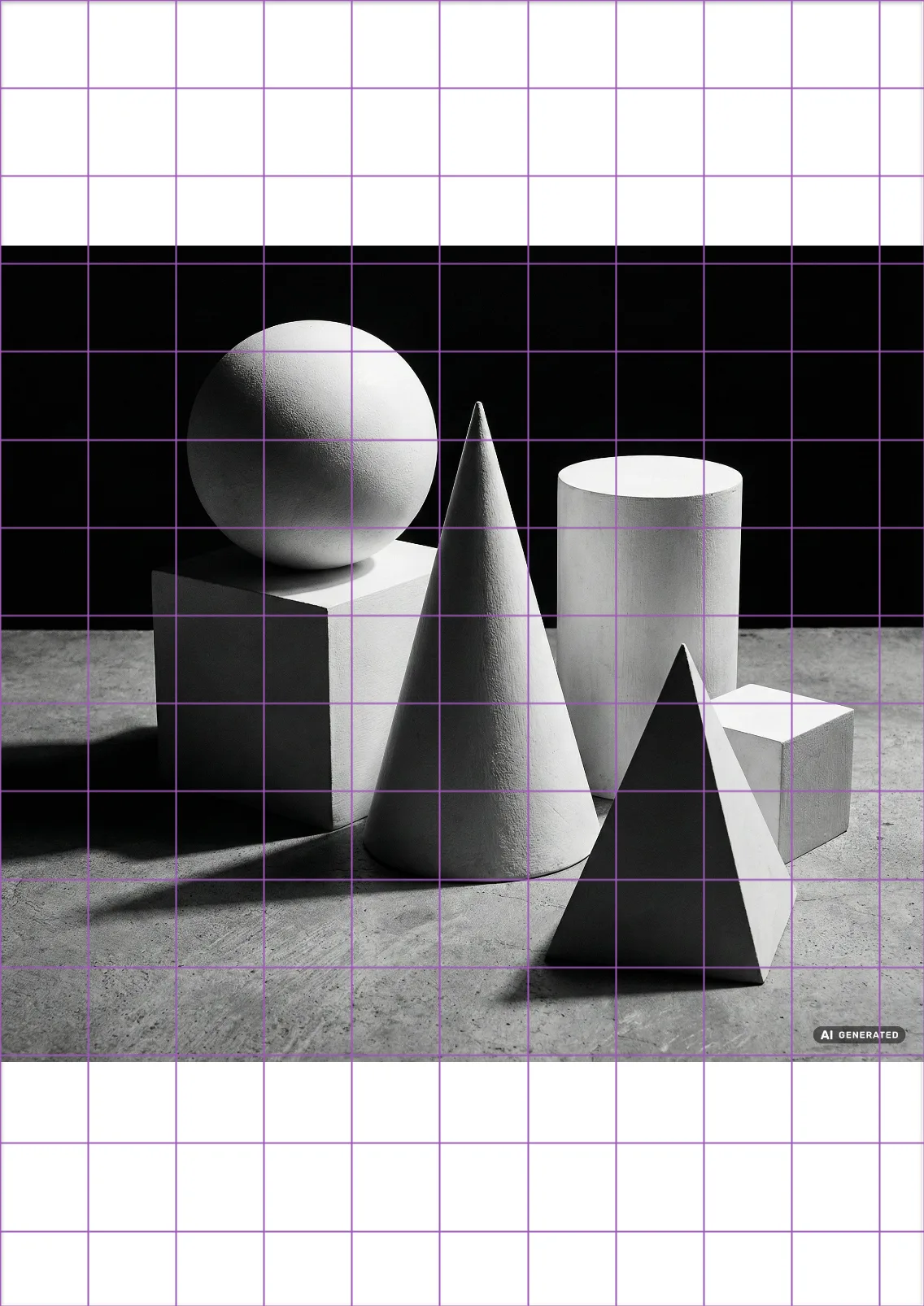
And the paper side is not left to your ruler: the tool prints the matching empty grid straight onto your sheet at true size, or produces ruler strips for a stretched canvas. The full workflow is on the transfer drawing to canvas page, and the ruler-and-pencil route is written up in how to transfer the grid to paper.
New to the technique itself? Start with our page on the grid for drawing and the complete guide linked there.
A Drawing Grid Maker You Can Drag
Grid lines across the eyes make a portrait harder, not easier. Here you drag the whole grid with the mouse, a finger or the arrow keys until the lines fall between the features. Coordinate labels give every cell an address like B4, and focus mode isolates single cells in fullscreen so you draw what is actually inside the square. The address system is explained in how to use grid coordinates to find a cell, and the fullscreen habit in how to focus on one cell at a time.
Portrait workflows are covered in depth on our portrait artists page. When the drawing is done, put the two images on top of each other and compare drawing to reference: the mirror mode shows the proportion drift your eye has stopped seeing.
For Working Artists
What a grid maker for artists has to get right is the sheet in front of them. Commission painters use the real-size matching to hit client canvas dimensions without conversion errors. Muralists scale an A4 sketch to a wall by changing one number, and print the reference across several sheets with the poster print grid, cut lines and glue marks included. Teachers export gridded references with coordinates and walk a whole class through the same cell, then hand out the matching blank sheets from the grid worksheet maker. And because everything runs in the browser, it works the same on the studio desktop and the tablet at the easel, with nothing to install.
Frequently Asked Questions
- What makes a grid maker for drawing different from a photo collage app?
- Collage grid apps arrange several photos into a layout. A grid maker for drawing overlays measuring lines on ONE reference so you can transfer it to paper with correct proportions, in cells of real centimeters or inches matched to your canvas.
- How do I match the grid to my canvas size?
- Switch to canvas mode, pick a preset (DIN A5 to A0, US Letter, Legal, and standard studio sizes) or type your own dimensions. The image is fitted inside the canvas and the grid belongs to the canvas, so what you see is what your paper gets.
- Can I use the drawing grid maker online on a tablet?
- Yes. It runs in the browser with touch controls: drag the grid with a finger, adjust settings in a bottom sheet, and keep the gridded reference open at the easel. No app install.
- Why do artists use a grid maker instead of ruling lines by hand?
- Speed and repeatability. Hand-ruled grids accumulate measuring errors and ruin the printed reference; a generated grid is mathematically even, adjustable in seconds, and leaves the original photo untouched.