How-to
Use Grid Coordinates to Find a Cell
Counting squares out loud goes wrong the moment two people count from different corners. Coordinate labels give every cell an address, so "look at B4" means one square and only one, on your screen and on their paper.
Switch the labels on in the Grid tab
Show Coordinate System sits under the grid controls. It adds a header band along the top and the left edge, and it changes nothing about the grid itself: the cells keep their size and position.


One checkbox. The grid keeps its measurements. Read an address the way a map works
Columns run A, B, C across the top and rows count 1, 2, 3 down the side, so a cell is a letter and a number. Past the twenty-sixth column the letters double up, AA, AB and so on, the same convention a spreadsheet uses.
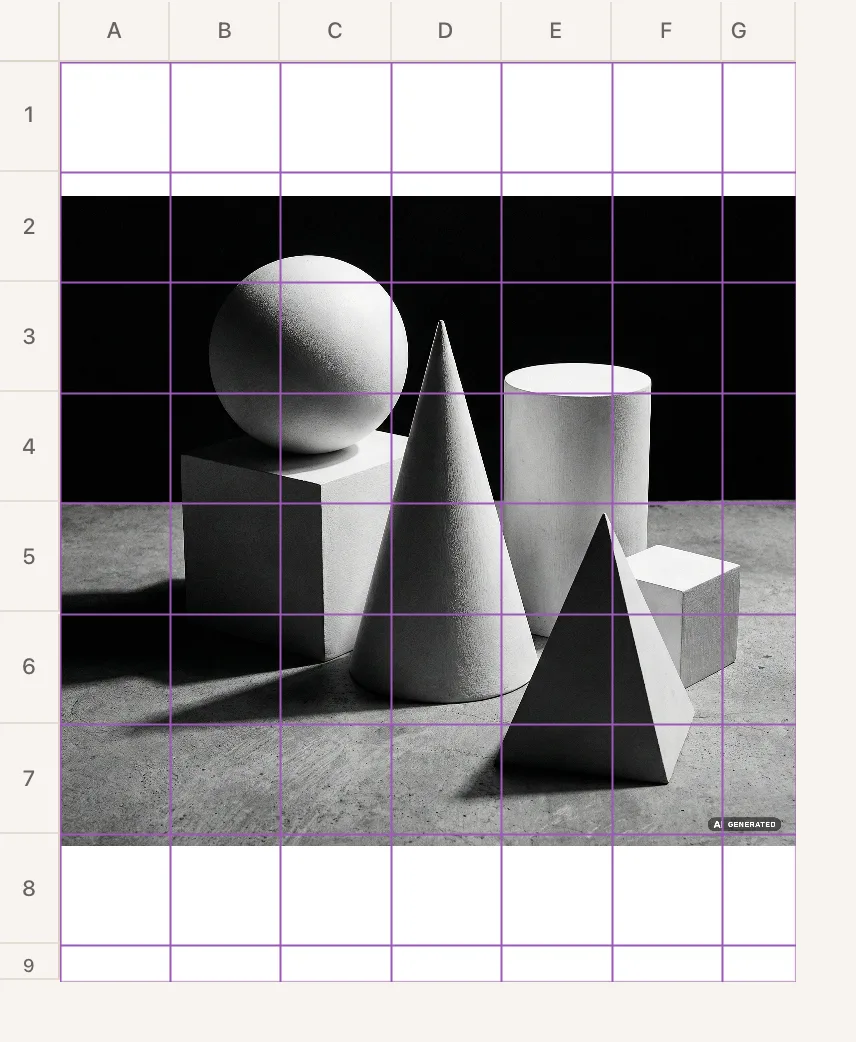
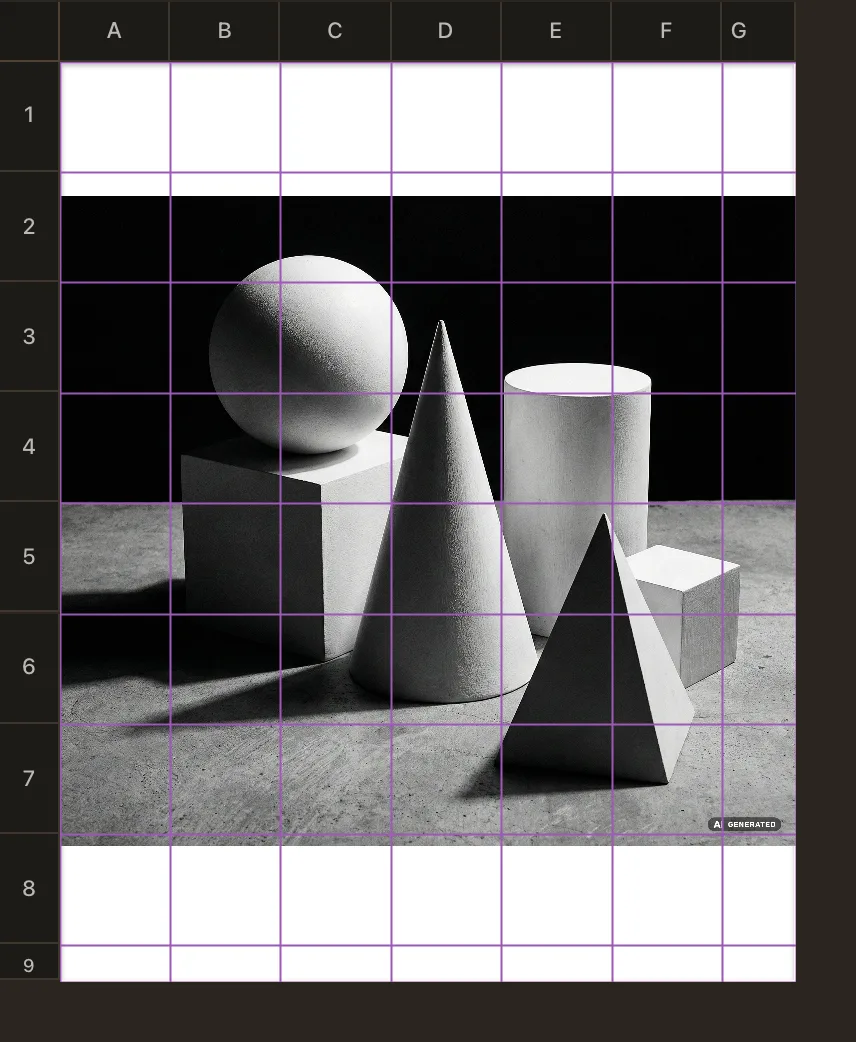
Every cell now has an address. B4 is one square, for everyone. Print it and the addresses come along
The labels are part of the export, so the reference you hand out carries the same addresses as the screen you are pointing at. Print the empty transfer grid as well and both sheets speak the same language.
Use them to keep your place
Working alone, the labels are a bookmark: note the cell you stopped at and you find it again after a break, instead of hunting for the square you were on. Teaching, they turn a vague instruction into a precise one.
Put addresses on your own grid
Drop a photo below. The tool opens and points at the switch.
Frequently asked questions
- Do the labels change my cell size?
- No. They are drawn in a band outside the grid, so the cells keep the size you set in centimetres or inches. What changes is the size of the exported sheet, which grows by the width of the band.
- What happens after column Z?
- The letters double, so Z is followed by AA, AB and AC, exactly like a spreadsheet. You will rarely get there: a grid that wide usually means the cells are too small for the drawing.
- Can my students see the same addresses on paper?
- Yes, that is the point. The labels are exported with the reference, so the printed sheet and the screen agree. Share the setup as a link and everyone starts from the same grid as well.
- Should I use coordinates for every drawing?
- Not necessarily. Alone on a small reference they add clutter. They earn their place when someone else has to find the same square, or when the grid is dense enough that counting gets tiring.