- What is a grid maker?
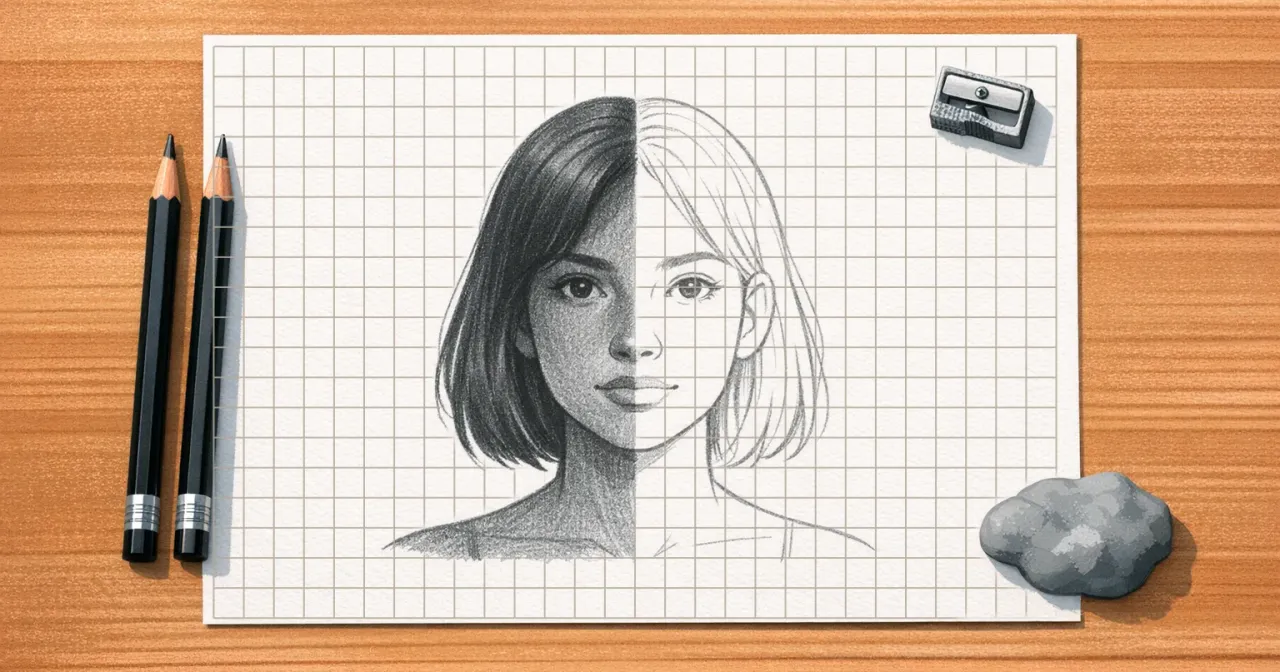
- A grid maker lays a measured grid over a reference image so you can copy it cell by cell instead of judging the whole picture at once. You set how large a cell is, move the grid over the subject, and export the gridded reference to print or to keep beside you on a tablet. It is aimed at the part of a drawing that is hardest to repair later: the proportions.
- How do I grid a picture on the computer?
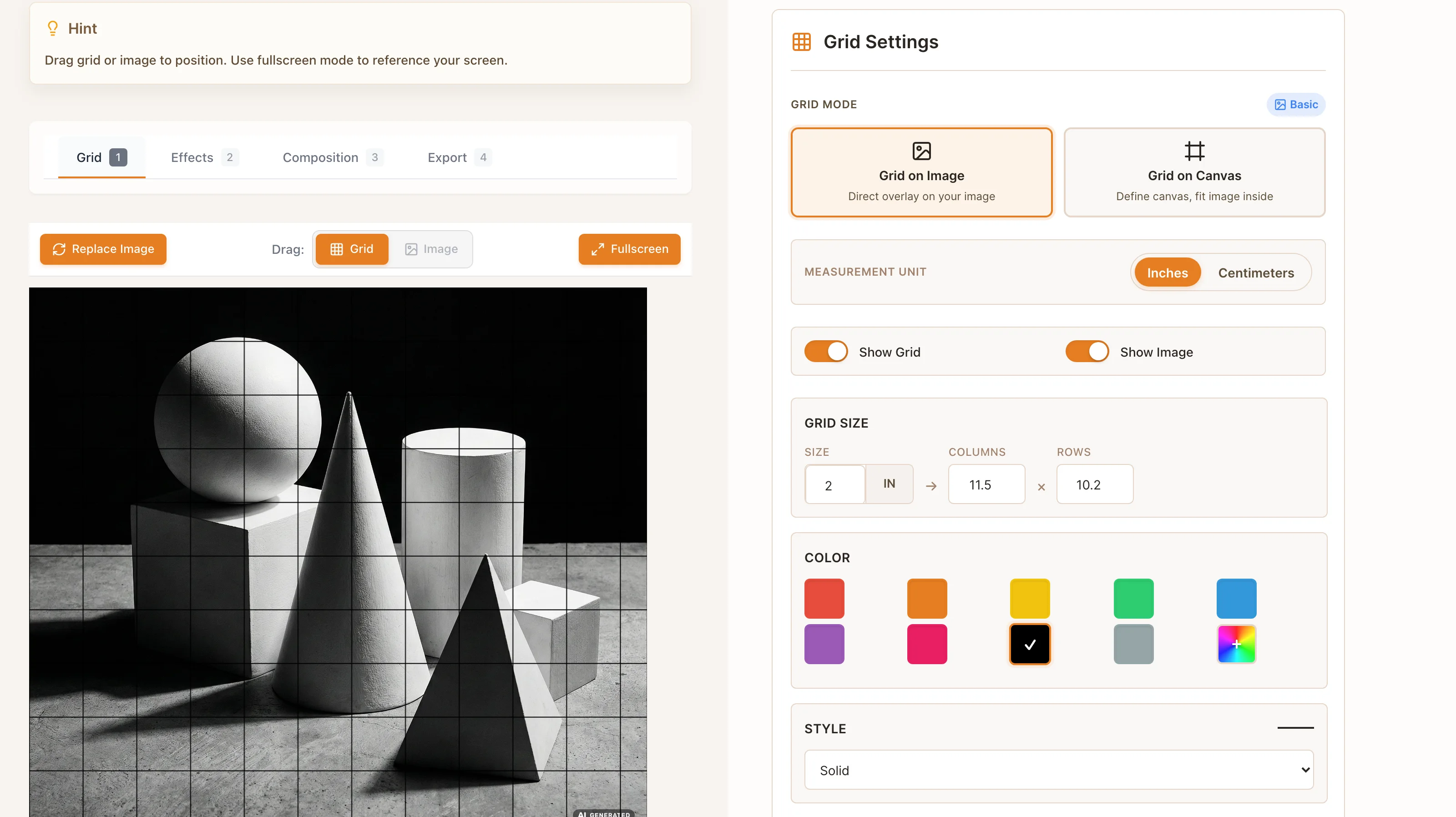
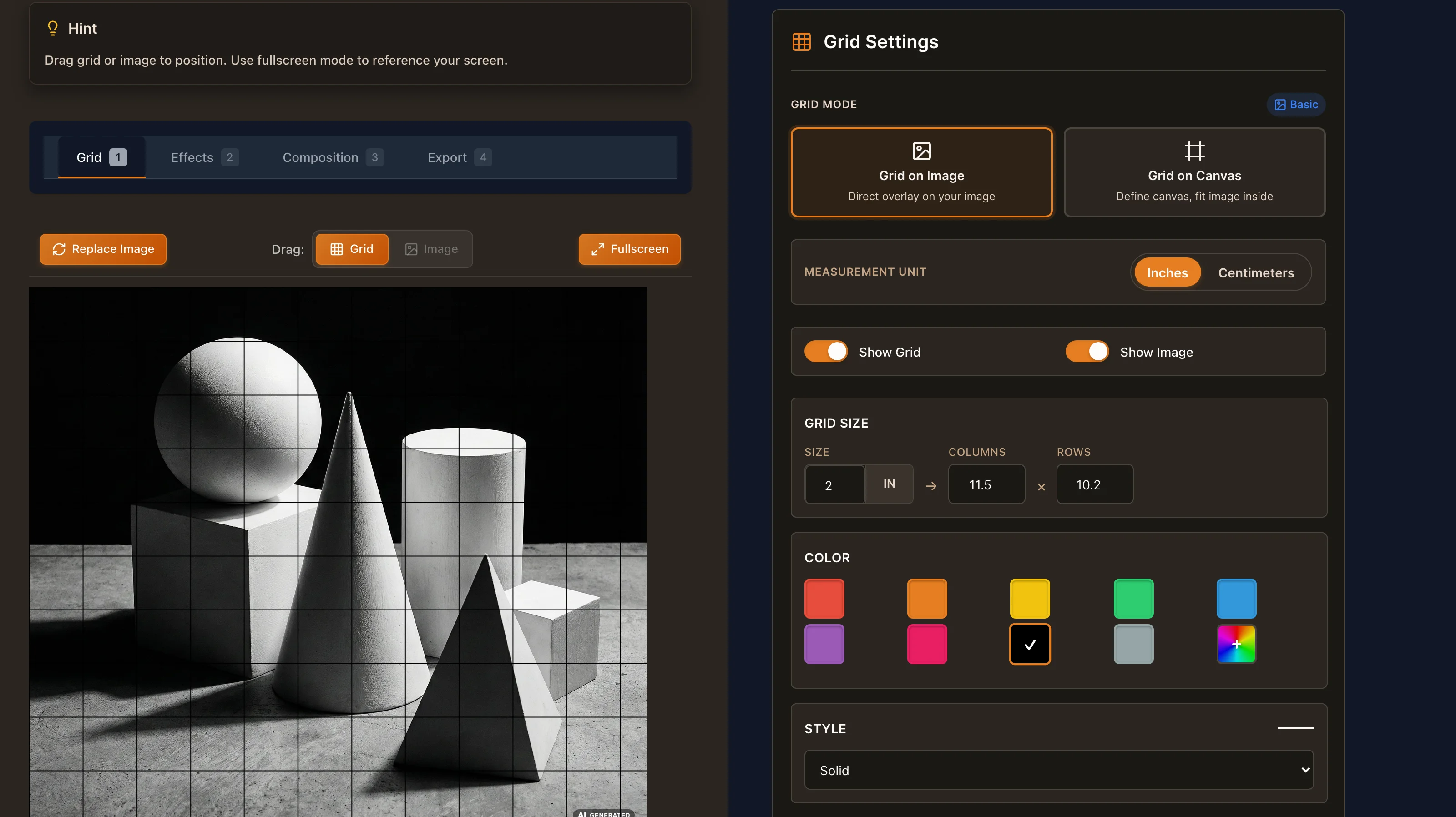
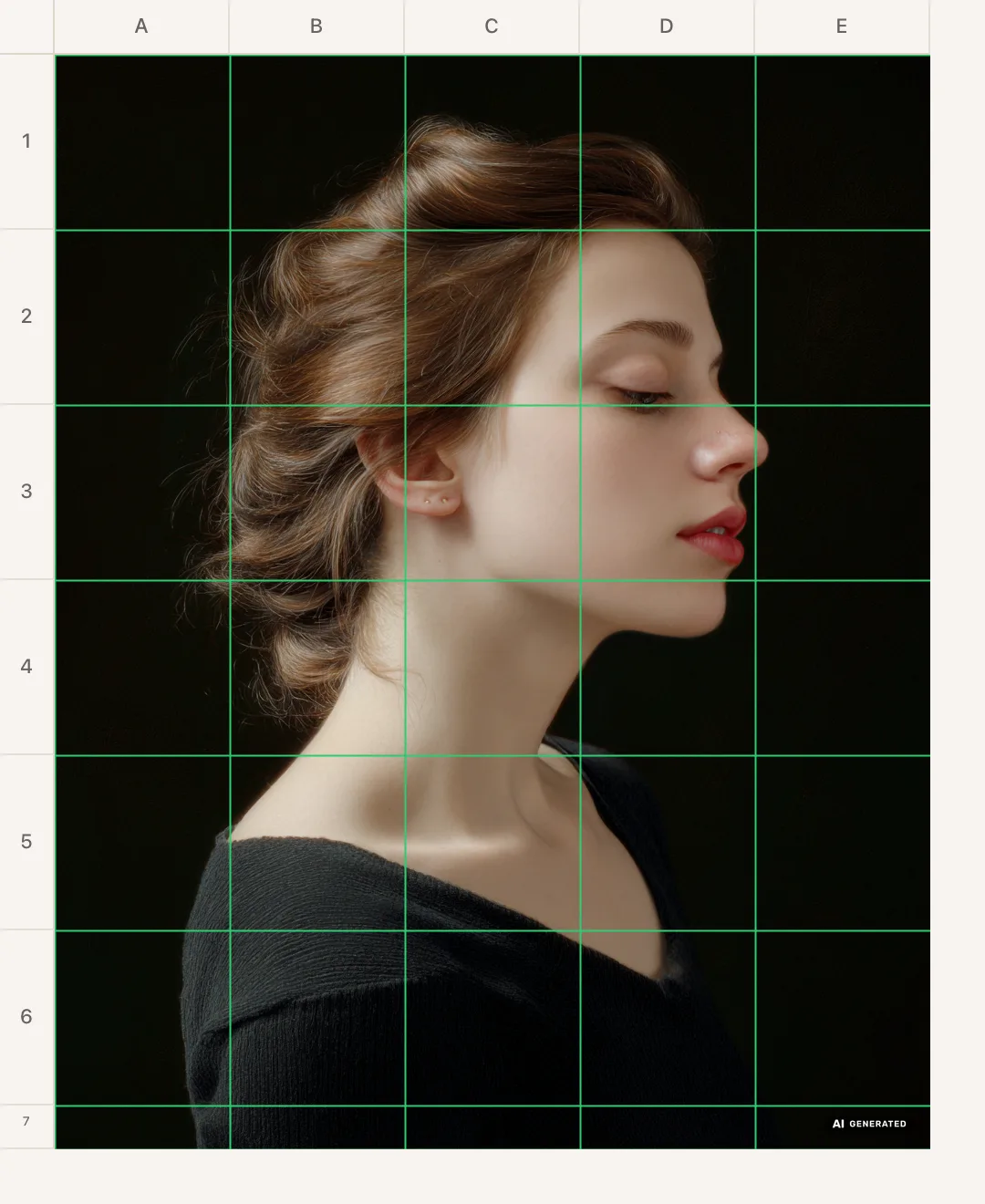
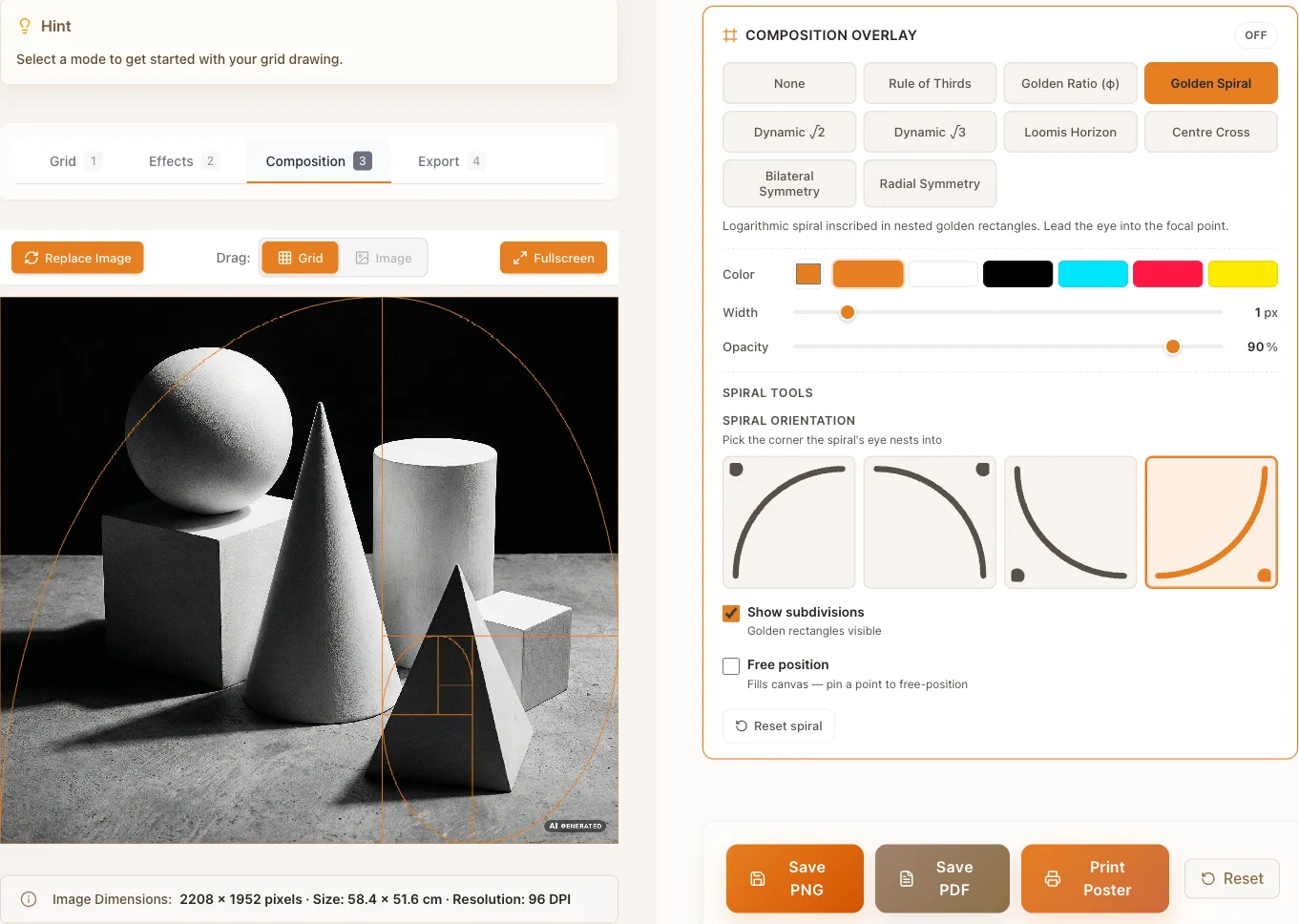
- Drop the picture into the pad at the top of this page and set the cell size in the grid settings. Drag the grid with the mouse, or nudge the photo under it with the arrow keys, until the lines fall between the features instead of across them, and switch on coordinates if you want every cell to carry an address like B4. Save the result as a PNG or as a PDF when it sits where you want it.
- How do I make a drawing grid that matches my paper?
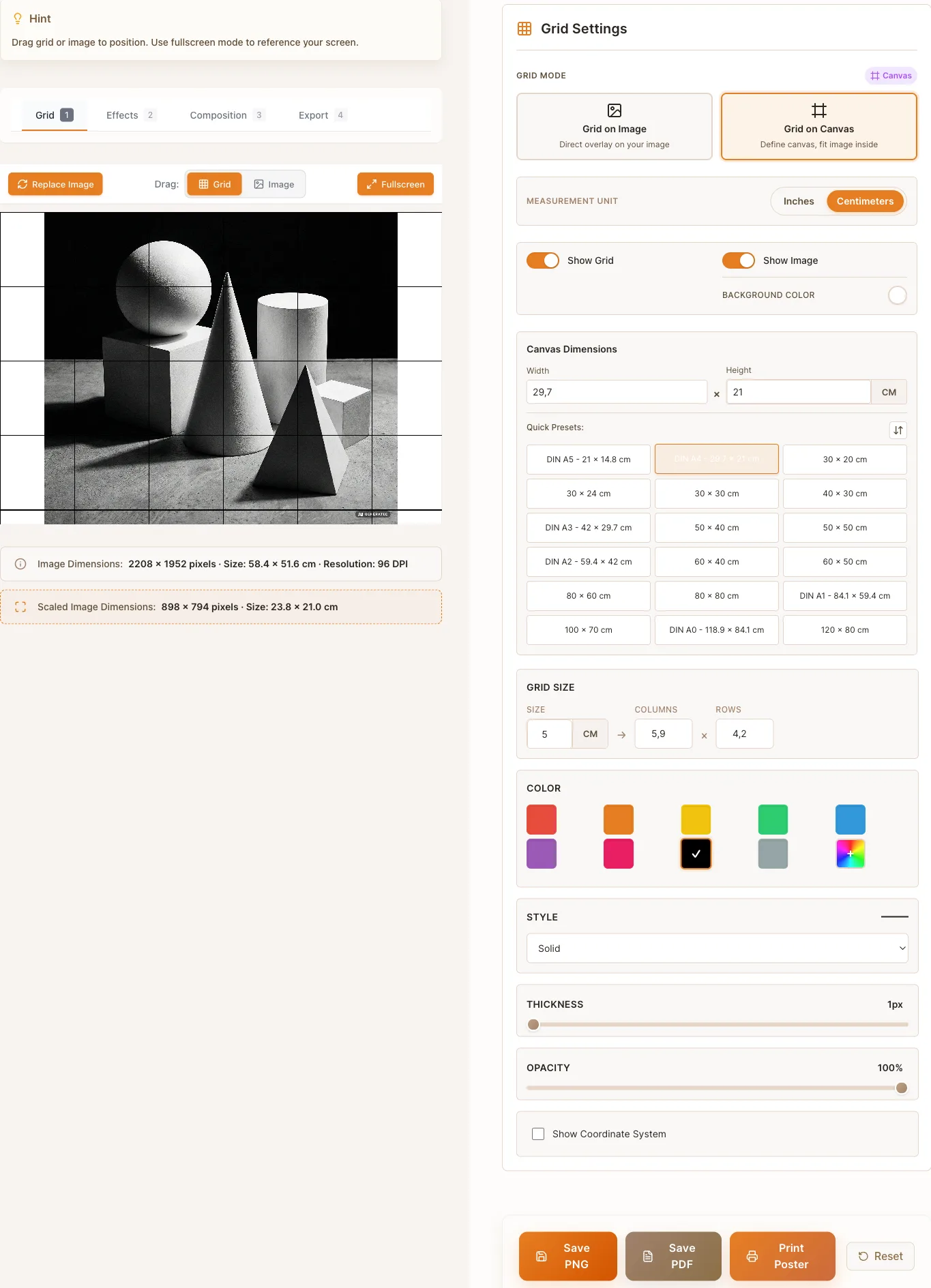
- Switch to Grid on Canvas mode and pick the sheet you are drawing on: 18 presets in cm, from DIN A5 up to A0, and 18 in inches, from Letter to Arch C, plus any size you type in. The photo is fitted into that canvas, so the cell size you enter is the size on the paper and not on the screen. Rule the same cells on your sheet and every cell of the export has a twin in front of you.
- Why do artists draw with a grid?
- Because the eye is bad at judging large proportions and good at comparing short distances. A grid breaks a complex subject into small squares where errors are easy to see, so proportions come out right the first time instead of after repeated corrections.
- Can I set the cell size in centimeters or inches?
- Yes. The cell size is a real measurement from 0.1 to 100 in the unit you choose, not a count of squares, so a 2.5 cm cell on the export is a 2.5 cm cell on your paper. A 1:1 transfer and a scaled enlargement then become the same job: keep the number of cells, change the cell size.
- How do I print the gridded reference at the right size?
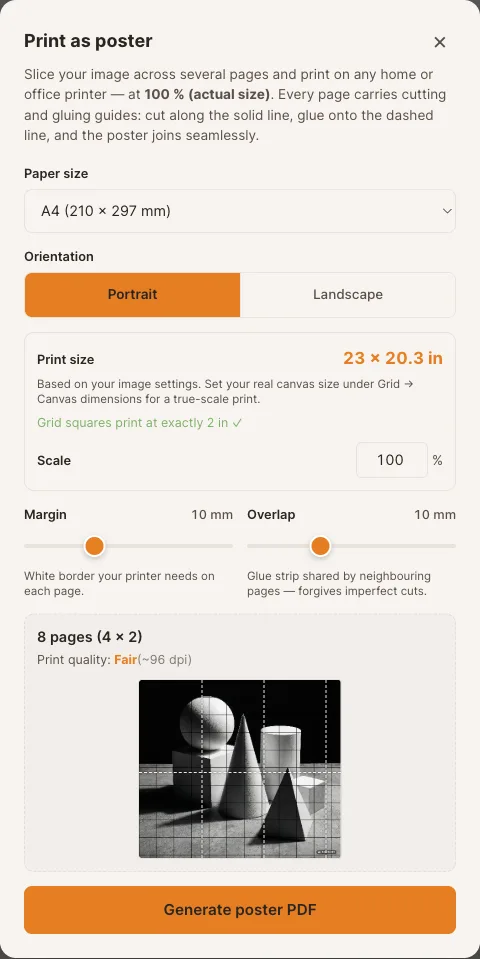
- Export as PDF. The page is laid out for A4, A3, Letter or Legal with print margins and carries the cell size you set, so print one sheet, measure a cell with a ruler and only then commit good paper. Anything wider than one sheet goes through poster print, which tiles the reference across A0 to A5, Letter, Legal or Tabloid with cut lines and glue strips.
- What kind of reference photo works best?
- Sharp photos with clear contrast, at least 300 by 300 pixels; JPG, PNG and WebP up to 20 MB are accepted. For portraits, choose a photo where the light creates visible shadow shapes, because those shapes are what you will draw, cell by cell. A picture that is soft on screen stays soft under a grid, and the DPI readout warns you before you print from it.
- Is GridMyPic the same as "grid my pic"?
- Yes. GridMyPic is the tool people mean when they search for grid my pic or grid my photo. The name is written as one word; the tool is this page.