
Used by 170,000+ traditional artists

Printable Drawing Grids High-Resolution Grid Overlays for Print

Need a printable grid for your reference photo? Generate high-resolution grid overlays, download as PDF or PNG, and print at any size for accurate traditional drawings.

  • Export at print-ready resolution (300+ DPI)
  • Download as PDF for sharp printing at any size
  • Adjustable grid line thickness for visibility
Print your reference with grid overlay

Traditional Grid Drawing Challenges

Common frustrations when working with printed references

Drawing Grids by Hand

Measuring and drawing grid lines on your reference takes time and often results in uneven cells.

Scaling Reference to Canvas

Calculating proportional grid sizes between a small print and large canvas requires math most artists avoid.

Low-Resolution Prints

Printing grids from screen creates blurry lines. You need high-resolution output for clear grid lines.

The Solution

Print-Ready Grid Overlays

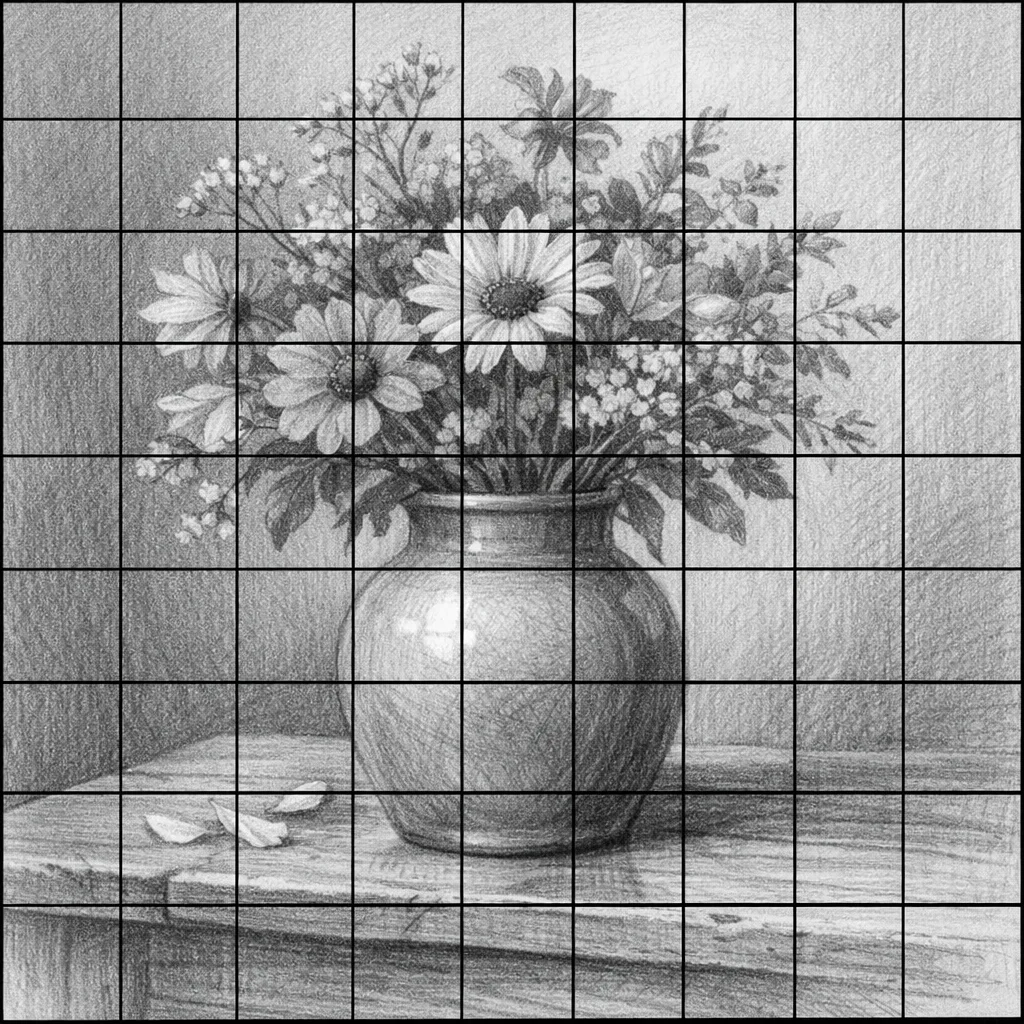
Create a high-resolution grid directly on your reference image. Export as PDF for crisp printing at any size. The grid scales perfectly whether you print on A4, letter, or poster paper.

Try it now →

Built for Traditional Artists

Features that make printing and drawing easier

Any Paper Size

Print on A4, Letter, A3, or custom sizes. The grid proportions remain accurate regardless of paper dimensions.

Adjustable Line Weight

Make grid lines thicker for visibility or thinner for subtlety. Find the right balance for your printing needs and paper type.

Cell Labels

Reference coordinates (A1, B2, C3) help you track which section you're drawing. Match cells between your print and canvas.

Drag to Align

Position the grid so lines fall between key features—not over eyes or important details. You control exactly where grid lines appear.

Line Color Options

Choose grid line colors that contrast with your image. Light lines for dark photos, dark lines for light subjects.

Print Grid Workflow

Four steps from photo to finished print

1

Upload Your Photo

Drop your reference image into the tool. Works with any photo format—from phone snapshots to high-res camera images.

2

Configure Grid

Choose grid density (4×4 to 16×16), adjust line thickness, and drag to align with key features in your reference.

3

Export as PDF

Download your gridded reference as a high-resolution PDF. Vector format ensures crisp lines at any print size.

4

Print & Draw

Print at your desired size. Draw a matching grid on your canvas and transfer the image cell by cell.

170,000+Artists use GridMyPic
PDFVector export for sharp prints
Any SizeFrom postcard to poster
"The grid method works beautifully for traditional media. Having a clean, high-resolution printed reference with grid lines makes transferring to canvas straightforward and accurate."
Learn more about the grid method →

Printable Grid Questions

What paper size should I print on?

How do I draw a matching grid on my canvas?

Should I print in color or black and white?

What grid line thickness works best for printing?

Ready to Print Your Grid Reference?

Upload your photo and create a print-ready grid in seconds.