How-to
Use Composition Overlays on a Photo
A grid tells you where things are. A composition overlay asks whether that is where you want them. Nine classical guides lie over your reference, and the one you pick is baked into the export, so the decision travels with the drawing.
Open the Composition tab and pick a guide
Rule of thirds is the safe default for photographs. Golden ratio and the golden spiral suit portraits and anything with a clear focal point. Dynamic √2 and Dynamic √3 come from classical picture construction, the Loomis horizon places a horizon line, Centre Cross shows the exact middle, and the bilateral and radial guides help with faces and mandalas.
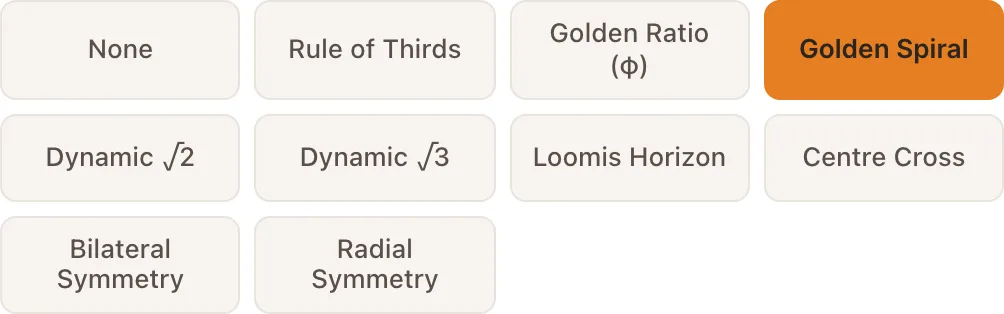
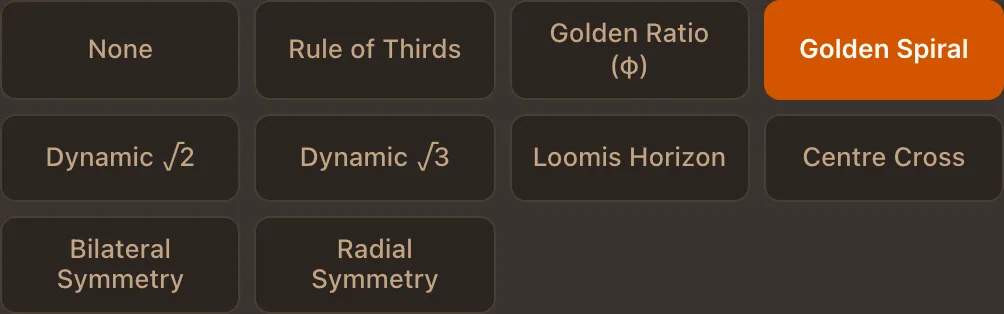
Nine guides. Only one is active at a time, so the reference stays readable. Read it against your subject
The overlay is a question, not a verdict. Does the horizon sit near a third, or does it cut the picture in half? Does the eye fall on an intersection? Move the crop or the grid until the answer is the one you want.
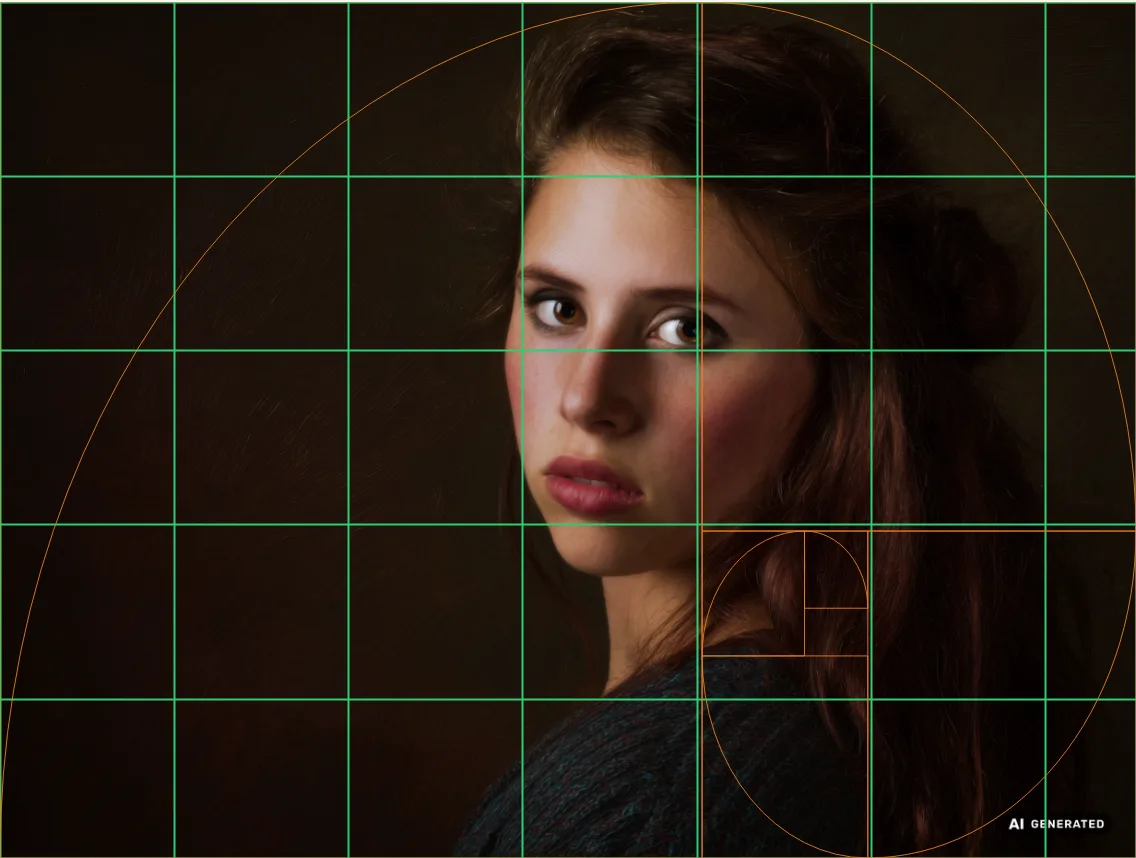
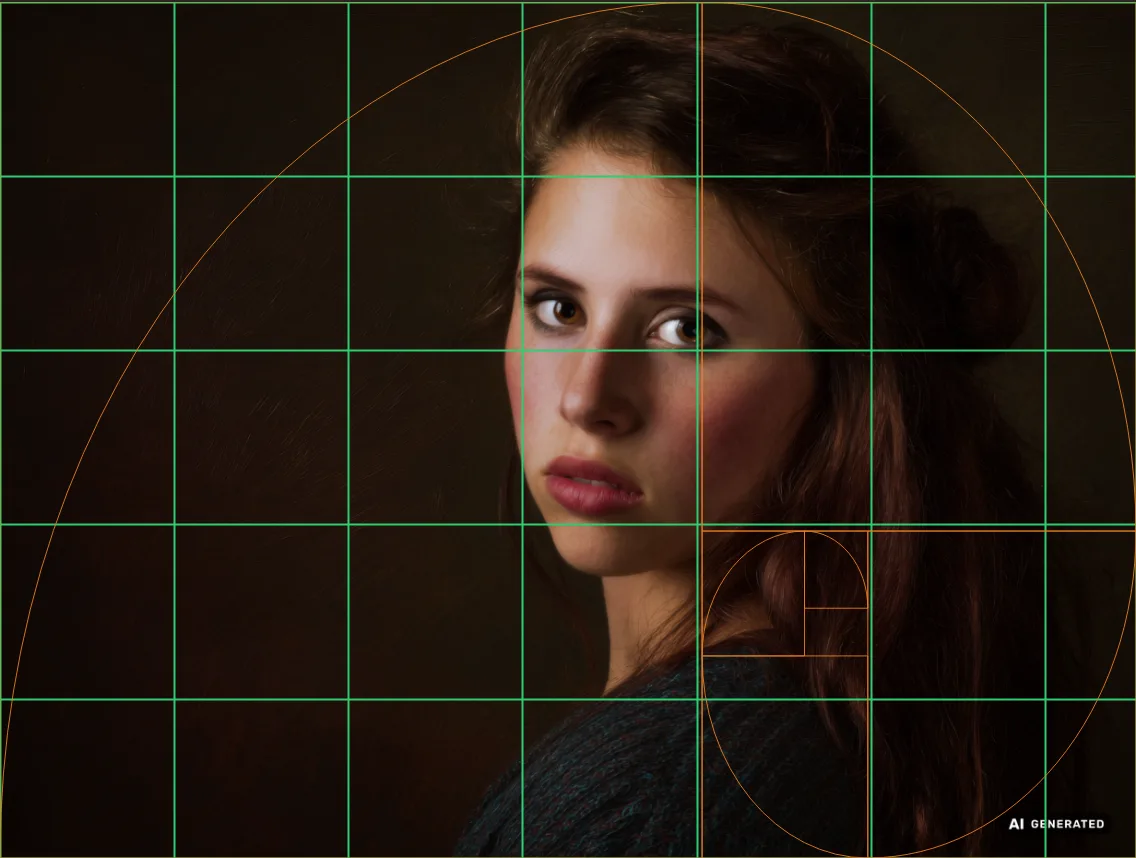
The golden spiral over a portrait, on top of the drawing grid. Adjust colour and weight for your photo
A thin white line vanishes on a bright background and a black one disappears in shadow. Colour, line width and opacity are adjustable, so the guide stays visible without competing with the picture.
Export with the overlay included
PNG, PDF and the poster export all carry the active overlay. Print the reference and the composition lines are on the paper in front of you, next to the grid cells.
Try an overlay on your reference
Drop a photo below. The tool opens with the rule of thirds active and guides you through the rest.
Frequently asked questions
- Which overlay should I start with?
- Rule of thirds. It answers the most common question, whether the subject sits too centrally, and it is easy to read on any photo. Move to the golden ratio once thirds feel too coarse.
- Can I use two overlays at once?
- No, and that is deliberate. Two sets of guides on one reference produce intersections everywhere, which tells you nothing. Switch between them instead.
- Can I move the golden spiral?
- Yes. The spiral can be detached from the canvas, dragged onto any feature, scaled and rotated, so it follows the composition you actually have rather than the one the frame assumes.
- Do the overlays appear in the export?
- Yes, in PNG, PDF and poster prints. What you see on screen is what lands on the paper.